Introduction
When you first discover Linux, the number of distributions can feel confusing. A distribution is a version of Linux with its own look, applications and way of working. For a first experience, it is best to choose one that is simple, stable and ready for everyday use without a lot of extra setup.
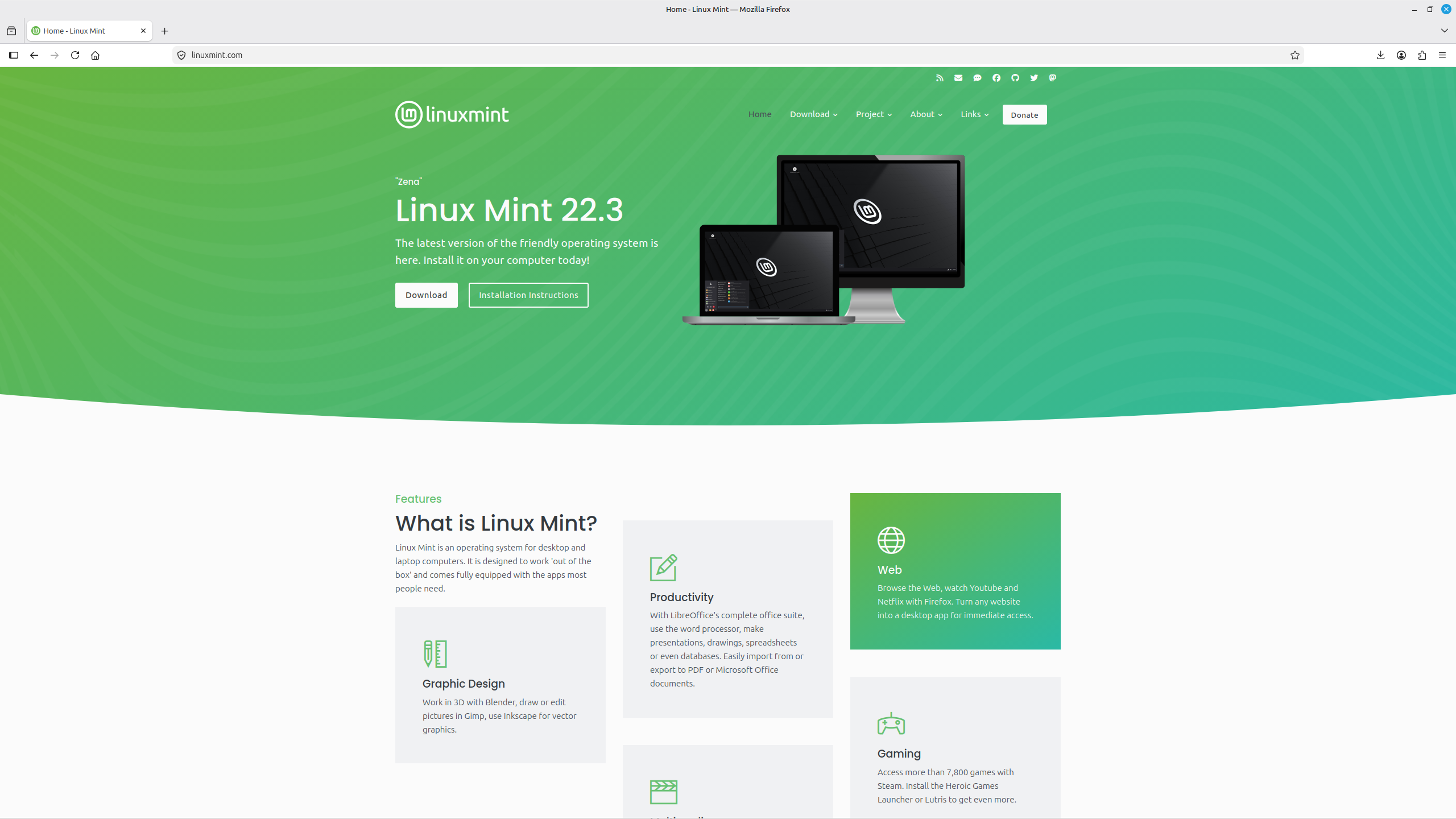
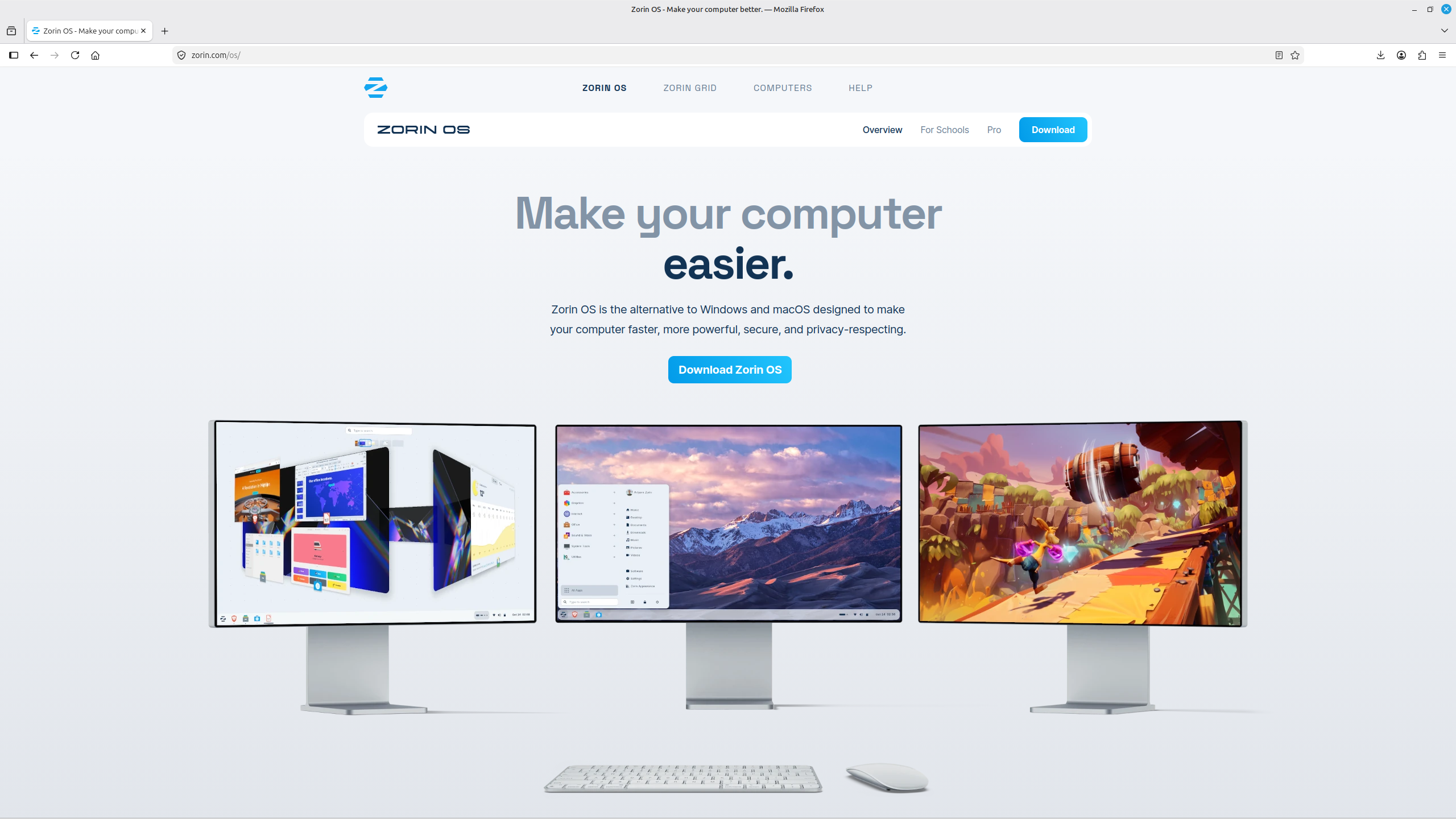
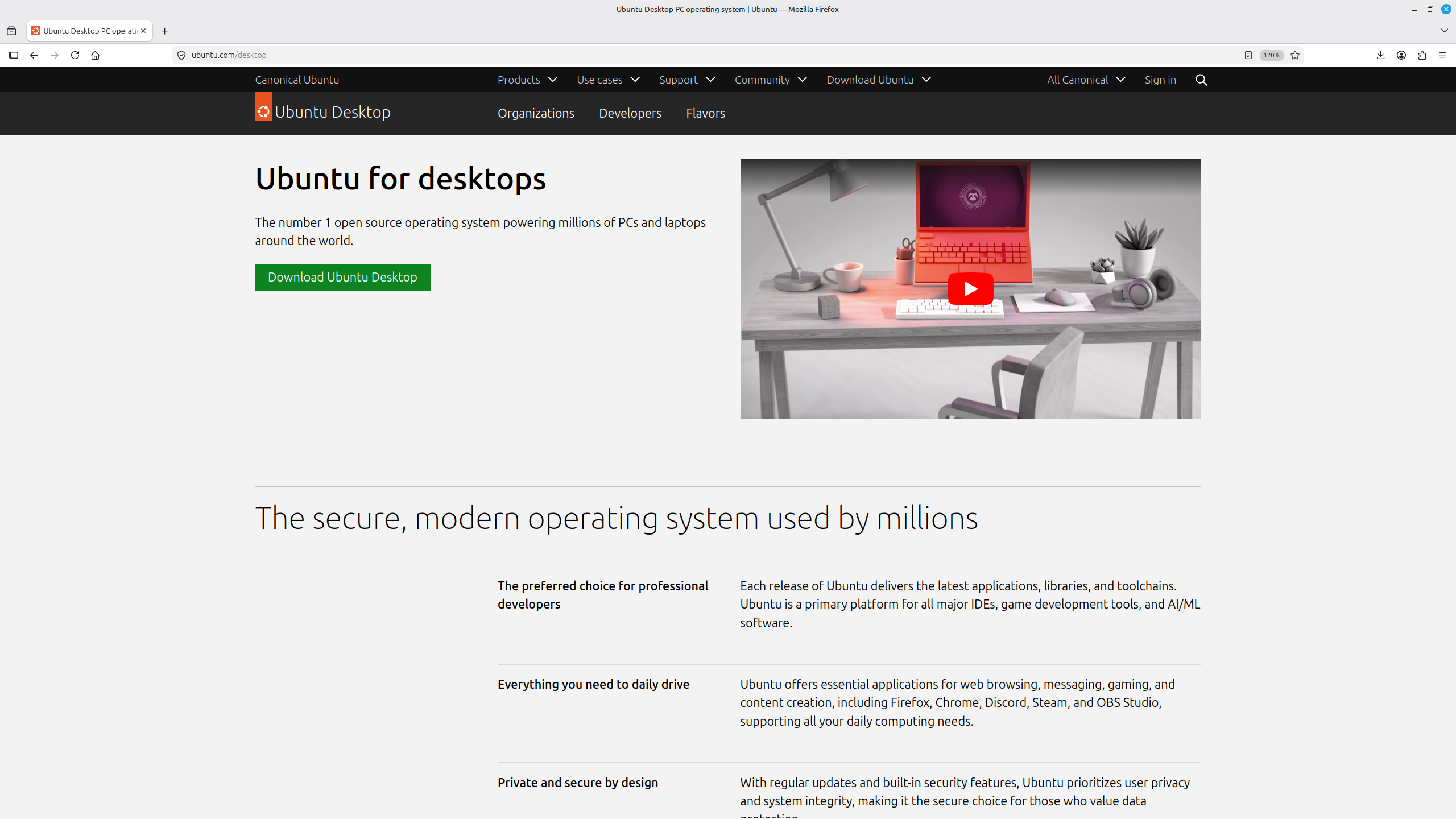
This page introduces Linux Mint Cinnamon , Zorin OS and Ubuntu . All three are suitable for getting started with Linux and can also be used comfortably in the long term.
Keep it simple at the beginning
You do not need to learn about every distribution right away. Choose one, use it for a while and focus on learning the basics of Linux first.
Distributions
To get started, we recommend three well-known distributions: Linux Mint Cinnamon , Zorin OS and Ubuntu . They all belong to the broader Debian/Ubuntu family, so there is plenty of software, documentation and community support available.
- they are suitable for everyday use and receive regular updates,
- applications can be installed through a graphical software store or software manager,
- most basic settings can be changed without using the terminal,
- there are many guides, forums and communities available online,
- installation is straightforward enough for beginners.
Links
Which Distribution Should You Choose?
Distributions differ in appearance, difficulty and how much they can be customised. The infographic below gives you a rough idea of which distributions are easier for beginners and which ones usually require more experience.
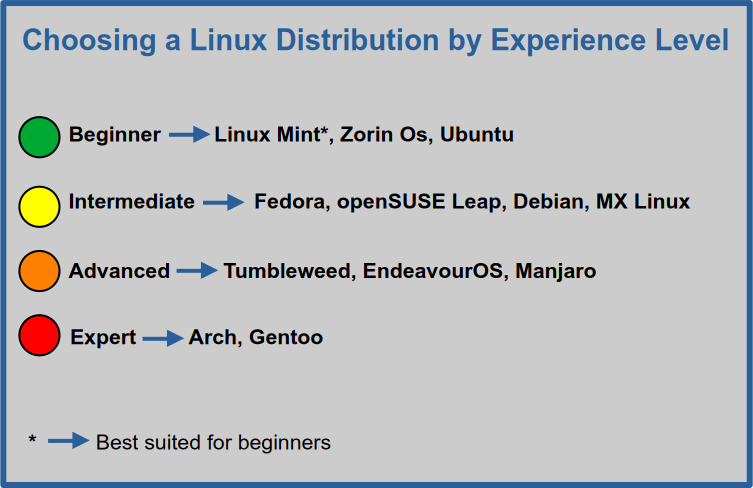
If you do not want to spend too much time choosing, Linux Mint is an excellent first option. Zorin OS and Ubuntu are also beginner-friendly, so any of these three is a sensible place to start.
Trying Linux Distributions
Before installing Linux, you can try it without changing your main operating system.
- In your browser: DistroSea lets you quickly view and try many Linux distributions.
- In a virtual machine: VirtualBox lets you run Linux inside your current operating system.
- From a bootable USB drive: many distributions can be started in Live mode, so you can try them before beginning the installation.
Your First Steps with Linux
The First Days and Weeks
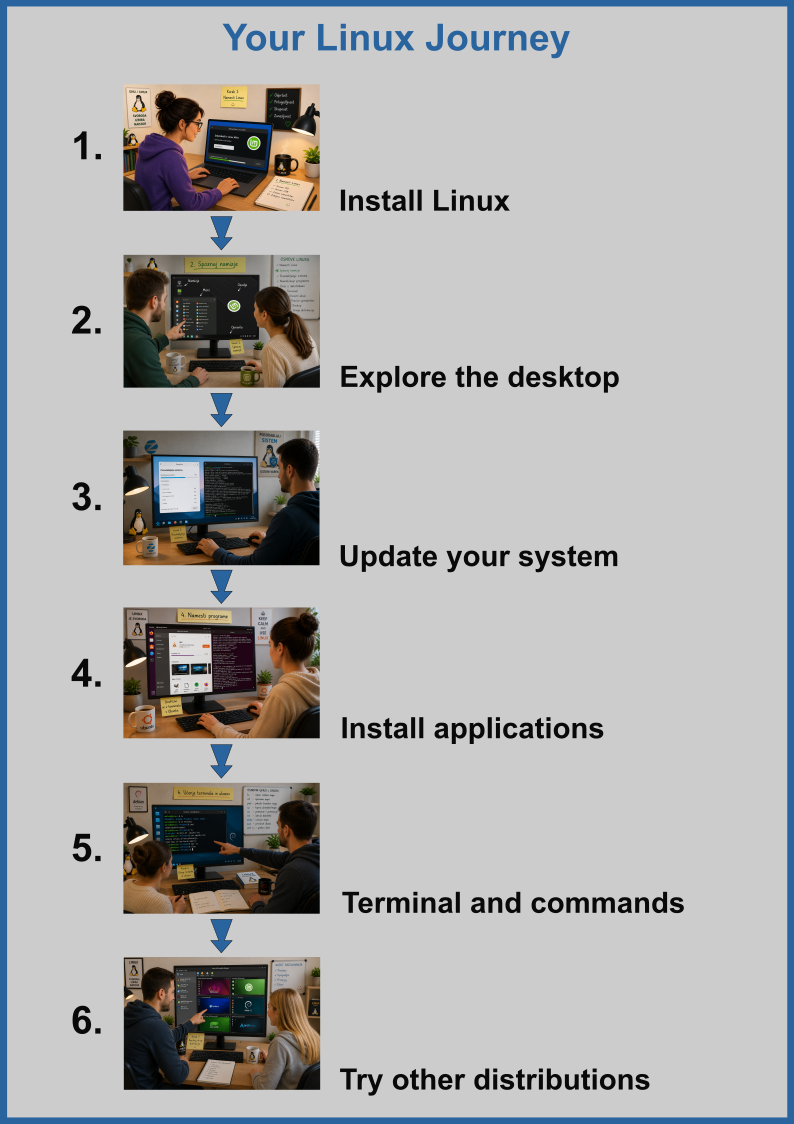
After installing Linux, do not worry too much about whether you chose the “best” distribution. What matters more is that you start using the system for normal everyday tasks.
Start by learning:
- the desktop, menu and basic settings,
- the software store or software manager,
- system updates,
- working with files and folders,
- installing and removing applications,
- the terminal and basic commands – gradually, when you need them.
Once everyday use starts to feel familiar, you can explore other distributions. At that point, their differences will be much easier to understand.
Linuxabc Tip
You do not need the perfect distribution. What matters is that you use Linux, solve small problems and learn how the system works step by step.
Distrohopping – Do Not Switch Distributions Too Quickly
What Is Distrohopping?
Distrohopping means frequently switching distributions in search of the “perfect” system. It is quite common among new Linux users, because there are so many interesting options to try.
Why Is It Worth Waiting a Little?
If you change distributions every few days or weeks, you spend a lot of time reinstalling the system, applications and settings. That leaves less time for actually using Linux and learning how it works.
What Does Linuxabc Recommend?
- Choose one beginner-friendly distribution.
- Use it long enough to become comfortable with everyday tasks.
- Learn how to update the system, manage applications and work with files.
- Learn the terminal gradually.
- Explore other distributions when you already know what you are missing in your current system.
How to Install Linux
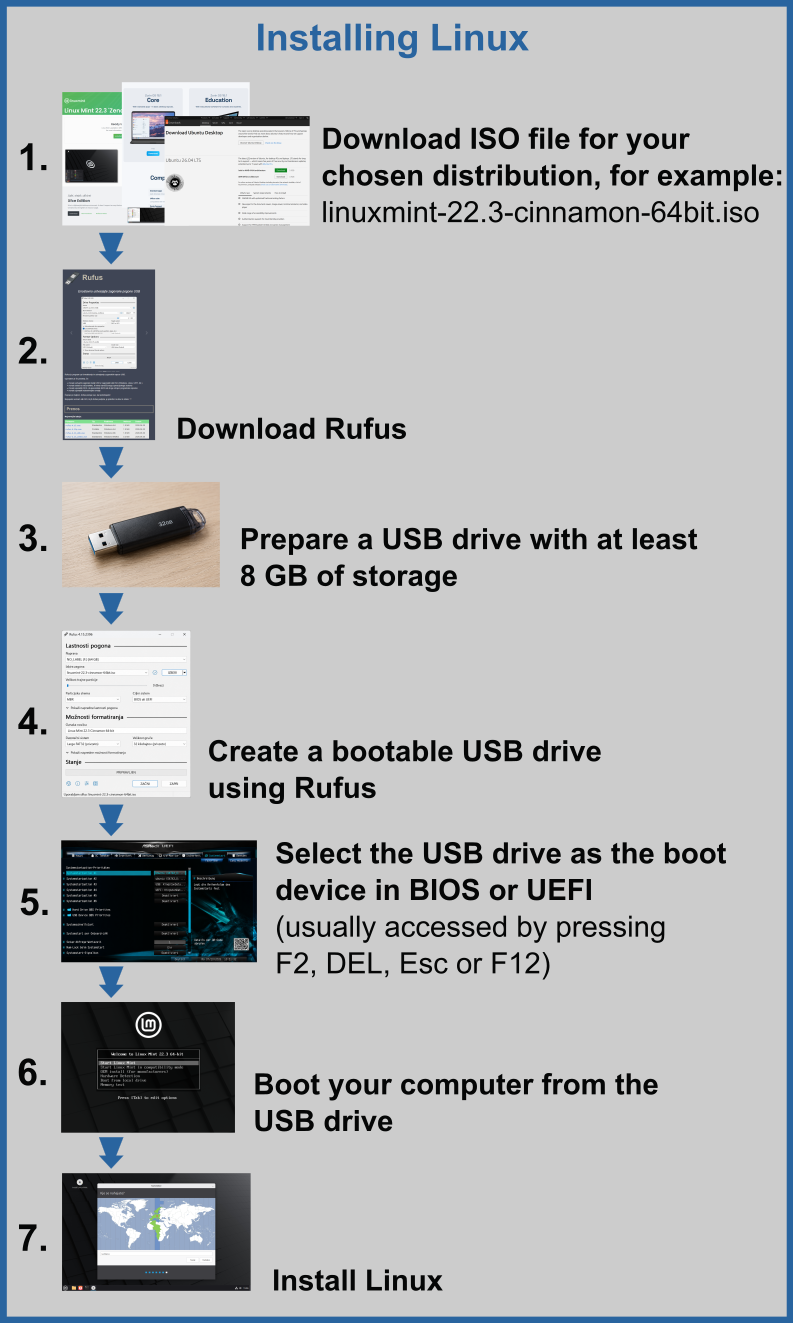
Installing beginner-friendly Linux distributions is quite straightforward today. First, download the ISO file for your chosen distribution, create a bootable USB drive from it and then start the computer from the USB drive.
Before installing, always make a backup of important files . If you want to install Linux alongside Windows or your computer has multiple drives, take your time and carefully check which drive or space you are selecting.
Basic Installation Process
- Download the ISO file for your chosen distribution from its official website.
- Download Rufus.
- Prepare a USB drive with at least 8 GB of storage.
- Use Rufus to create a bootable USB drive from the ISO file.
- In the BIOS, UEFI or boot menu, choose to start the computer from the USB drive.
- If you want, try Linux in Live mode first.
- When you are ready, start the installer and follow the steps on the screen.
Important Before Installation
Creating a bootable USB drive erases its existing contents. Copy any important files from the USB drive somewhere else first.
If you are unsure about partitions, dual booting or choosing the correct drive, try the installation in VirtualBox first or look for additional instructions.
Support and Help
Artificial Intelligence
Artificial intelligence can help explain an error, command or procedure. Use it as a learning aid, not as a reason to copy commands blindly.
Be Careful with Commands
- say which distribution and version you are using,
- ask for an explanation of a command before you run it,
- check important commands in documentation, forums or another reliable source,
-
be especially careful with
sudoand commands that delete files.
Forums and Communities
Conclusion
The easiest way to learn Linux is to use it. Start with one beginner-friendly distribution, use it for normal everyday tasks and learn new things gradually. You do not need to know everything on the first day – the important thing is to move forward step by step.